CHANGELOG

PRODUCT UPDATES

A running record of what’s new, improved, and fixed across SewerAI.

Better data in and out of Pioneer

The public API now works in metric units and filters by customer and owner, while closer Cityworks and Unearth sync keeps connected systems current, so inspection data moves cleanly in and out of the tools your team uses.
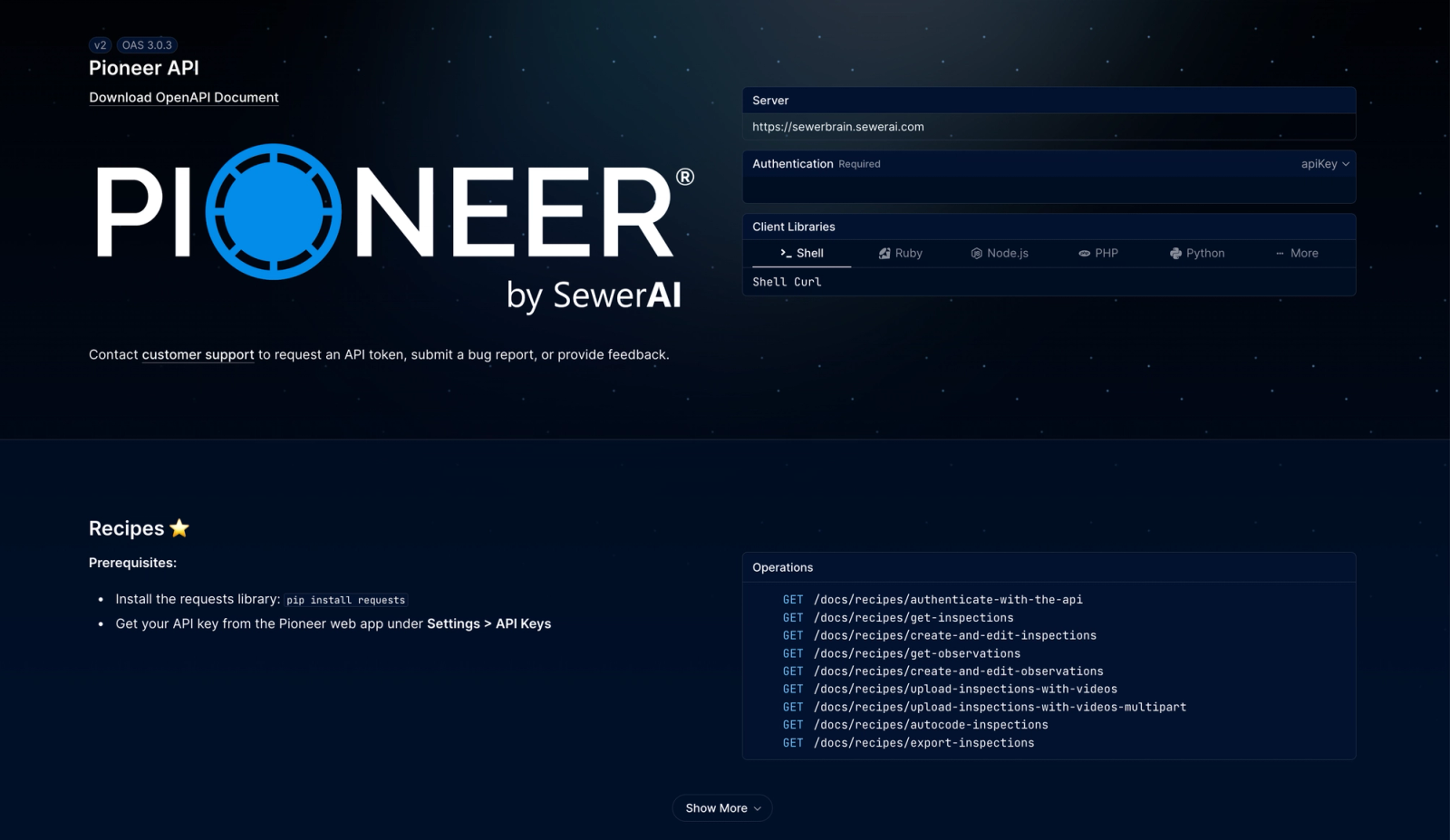
API documentation

Inspection data has to move cleanly between Pioneer and the systems your team already runs. This update improves both directions: a more capable public API for pulling data out programmatically, and closer Cityworks and Unearth sync for keeping connected systems current.

A metric-ready public API

The v2 inspection and observation endpoints now return converted measurements when you request metric units, so agencies that operate in metric skip the post-export conversion step. You can also filter those endpoints by customer and owner to pull the exact slice a report needs, and a new endpoint exports MACP pipe connection data for downstream QA.

Closer Cityworks and Unearth sync

For teams on the Cityworks integration, Pioneer now pushes inspection archival and work-order completion back to Cityworks, and refreshes its connection automatically so syncs do not stall on expired tokens. Unearth imports convert inspection statuses on the way in, so records stay aligned across both systems.

API3
  • APIThe v2 inspection and observation endpoints now return measurements in metric when requested, so metric-based programs no longer convert values after export.
  • APIInspection and observation endpoints can now be filtered by customer and owner, making it easier to pull records for a specific program or client.
  • APIA new endpoint exports MACP pipe connection data for downstream reporting and QA.
Integrations4
  • IntegrationsFor teams connected to Cityworks, Pioneer now pushes inspection archival and work-order completion back to Cityworks so asset records stay in sync.
  • IntegrationsCityworks connections now refresh access automatically, reducing sync interruptions caused by expired tokens.
  • IntegrationsArcGIS imports now succeed for customer portals that present incomplete TLS certificate chains.
  • IntegrationsUnearth imports now convert inspection statuses on the way in, so synced records stay consistent across tools.
Improvements8
  • InspectionsCustom fields 1-10 can now be filtered and searched from the inspections dashboard, and each field shows its position, so you can find inspections by invoice number, work order, or any custom value.
  • InspectionsAdded a Customer filter to the inspections dashboard.
  • InspectionsAdded support for remarks on continuous codes, so reviewers can add context to codes that span multiple observations.
  • InspectionsReview tasks can now be exported to CSV.
  • InspectionsThe Submittal column now shows submittal status at a glance instead of a single checkmark.
  • InspectionsAccepting a digital submittal now runs QAI automatically.
  • ProjectsWhen several projects are selected, Pioneer shows full project names instead of truncating them.
  • ProjectsYou can now pin priority projects to the top of the Project Sheet.
Security1
  • AdminFixed an issue where a deactivated user could still view an account's projects.
Fixes10
  • InspectionsFixed an issue where LACP inspection filenames showed a timestamp instead of the name defined by the project spec.
  • InspectionsFixed an issue where 3D models did not load for View users.
  • InspectionsFixed filtering review tasks by Surveyed By.
  • InspectionsFixed an issue where the NASSCO code dropdown appeared greyed out during a PACP inspection.
  • InspectionsFixed the review-task code picker linking MACP observations to the wrong timestamp.
  • InspectionsFixed a "Failed to update videos" error when editing headers in Sewer Sheets.
  • InspectionsUnreviewed AutoCode observations are no longer counted in NASSCO ratings.
  • InspectionsFixed video review and prescreen pages returning errors when an inspection had an invalid date.
  • ProjectsNew projects no longer default to On Hold, which had kept them out of the default Projects view.
  • InspectionsFixed AutoCode Complete MACP exports that were missing pipe connection snapshots.

Clearer inspection data and safer review

Custom inspection fields now carry your own labels, videos that fail automated checks stay in review instead of being rejected, and the v2 API adds large-export and submittal endpoints for integrators.

Reviewing and delivering inspections depends on trusting the data on screen and keeping every usable video in the workflow. This update makes custom inspection fields readable, stops Pioneer from rejecting videos that fail automated checks, and expands the public API for teams running large reporting programs.

Your labels on custom inspection fields

NASSCO inspections carry ten custom fields. Until now they appeared as Custom Field 1 through 10, so crews had to remember which slot held which value. You can now name these fields on the project spec, and Pioneer shows those names as column headers on the inspection dashboard and in the Custom tab on the video review page. Reviewers read meaningful values like invoice number or work order, and the labels follow every inspection that uses the spec.

No more silently rejected videos

Videos that failed automated checks for payout or length used to move straight to a Rejected state, with no clear reason and no chance for a person to look. Some of those failures were false positives that a technician could still review and code. Pioneer now keeps these videos in the normal review workflow so a technician makes the final call, and the rejection reason list gains Poor Quality Render and Missing Information so that decision is easy to record.

Improvements10
  • InspectionsMetric measurements now round to NASSCO-allowed precision across Sewer Sheets and inspection header fields for PACP, LACP, and MACP, so teams working in metric no longer see cells flagged for extra decimal places.
  • InspectionsAccount admins and editors can now see every submittal sent from their account, not only the ones they sent themselves.
  • ReportsDigital submittal downloads now arrive as a single ZIP package, making deliverables easier to move and share.
  • IntegrationsArcGIS imports now report failures directly in the import dialog instead of leaving the progress indicator stuck.
  • ProjectsThe Projects list is easier to scan, with clearer column headers and a more visible progress bar.
  • PioneerManholes stand out more clearly on the map, even with pipe layers turned on.
  • PioneerOn tablets and phones, tapping an asset on the Inspections map now opens its details and available actions.
  • InspectionsMACP inspections now support standard MP4 video in addition to equirectangular formats.
  • ReportsAdded a Joint column to the observation table in PDF and generated reports.
  • InspectionsAdded payout (distance) support for Float inspection videos.
API5
  • APIA new v2 endpoint exports reports with the same output as a direct report pull.
  • APIA new v2 endpoint returns large inspection-list CSV exports, matching the legacy list export used for PACP and Consent Decree reporting.
  • APIA new v2 endpoint kicks off digital submittals.
  • APIThe v2 API can now update inspection custom fields, including invoice and payment tracking values.
  • APIExport, download, and bulk update operations in the v2 API are faster for high-volume programs.
Fixes17
  • InspectionsFixed an issue where NASSCO inspections could not be completed because a hidden Needs Correction state had no visible field to resolve.
  • InspectionsFixed review tasks being routed to Needs Correction automatically for some accounts.
  • InspectionsThe Run AutoCode on upload toggle now reflects the actual setting, so videos run AutoCode only when you choose it.
  • InspectionsInspection tag labels now display correctly on the inspections list and in the inspection window.
  • InspectionsYou can select an operator again when creating a new cleaning.
  • InspectionsRestored the ability to reset the 3D model Rim after a digital submittal.
  • InspectionsRemoving an overlay no longer signs you out of the inspection.
  • InspectionsTurning off an HDR overlay template no longer signs you out of the inspection.
  • InspectionsLarge videos uploaded to the cloud are no longer incorrectly marked unplayable.
  • InspectionsFixed a review-page loading indicator that could linger for some users.
  • ReportsLarge MDB exports now batch automatically and surface failures on the Downloads page instead of appearing to hang at 98 percent.
  • ReportsRisk and Rehab CSV exports again include Address and Length Surveyed.
  • ReportsCorrected line scaling when printing Quick Reports to PDF.
  • ProjectsProject and inspection totals now match between the Projects page and the inspection table.
  • ProjectsFixed the Marked Reviewed column on the Project Sheet showing duplicate inspection counts.
  • PioneerSearch now works on SewerSheets.
  • PioneerFixed a blank SewerSheet page that appeared for some projects.